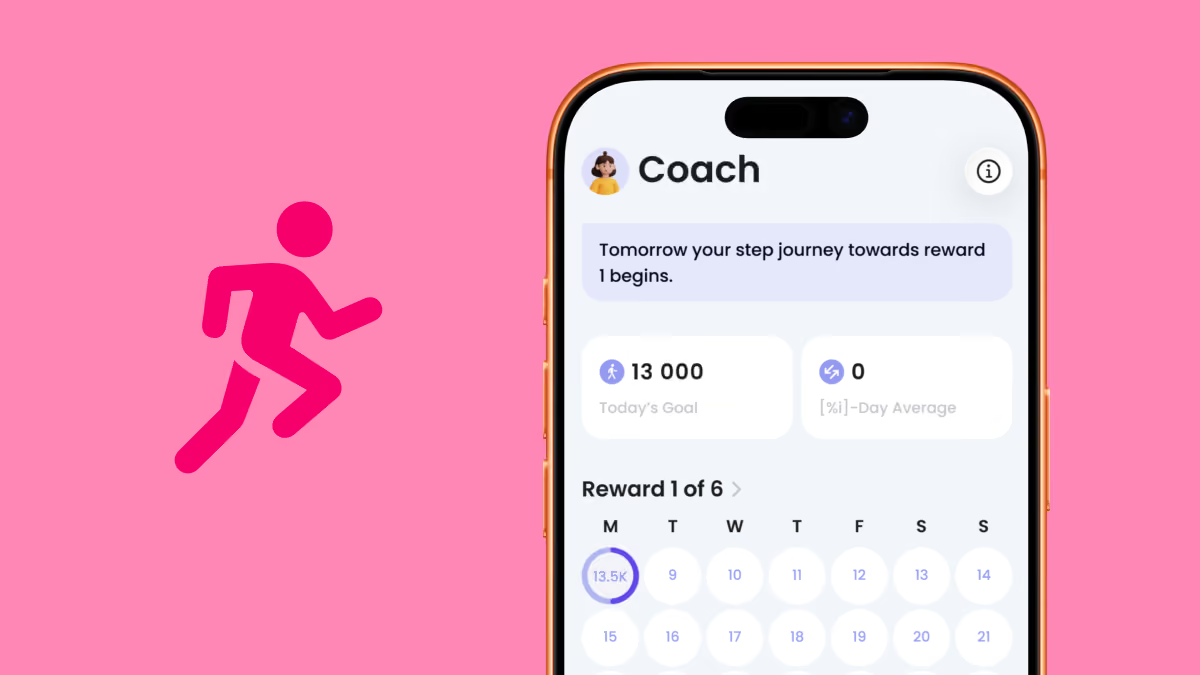
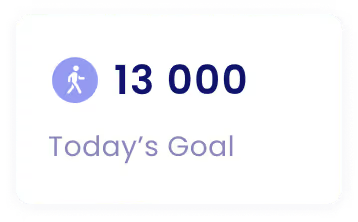
When you use the Coach, you’ll receive a daily step goal that adjusts based on your over- and underperformance.
If you exceed your Daily Goal one day, the goal will be lower the next day.
If you miss your Daily Goal one day, the goal will be higher the next day.

The Daily Average shows how many steps you’ve walked on average during your Coach period.
If your average is equal to or higher than your step goal, you’re on track to receive your reward on the final day.
If your average is lower than your step goal, you’ll need to walk more to earn your reward by the end of the period.
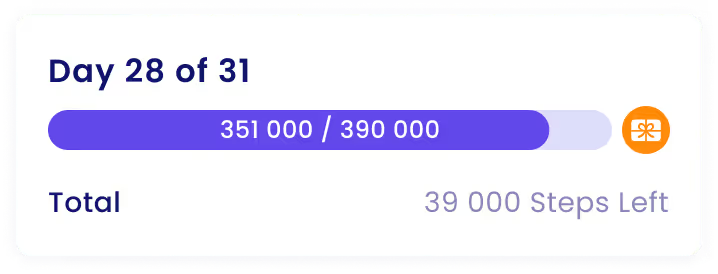
The Total Step Goal shows how many steps you need to take during the entire month.
Example:
You set your daily step goal to 6,000 steps.
The month has 31 days.
Your total step goal is 31 × 6,000 = 186,000 steps.
So, you need to walk 186,000 steps during the month to earn your reward.

You can only change your step goal once your reward month has ended — after you’ve either received or missed your reward.
The Coach will then ask you to choose an activity level and set a new step goal.
You can choose between the following activity levels:
You’ll then select your new step goal.

You can change your Coach and the Coach’s personality at any time:
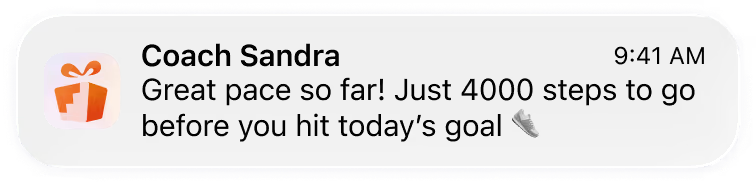
If you’re not receiving push notifications from the Coach even though they’re enabled in the Stepler app, you may need to enable notifications for Stepler in your phone’s settings.
Please note that you will still receive important communication about Stepler Coach by email, such as payment-related messages.
