Subscribe with In-App Purchases
- Tap the Coach tab
- Tap Choose Coach
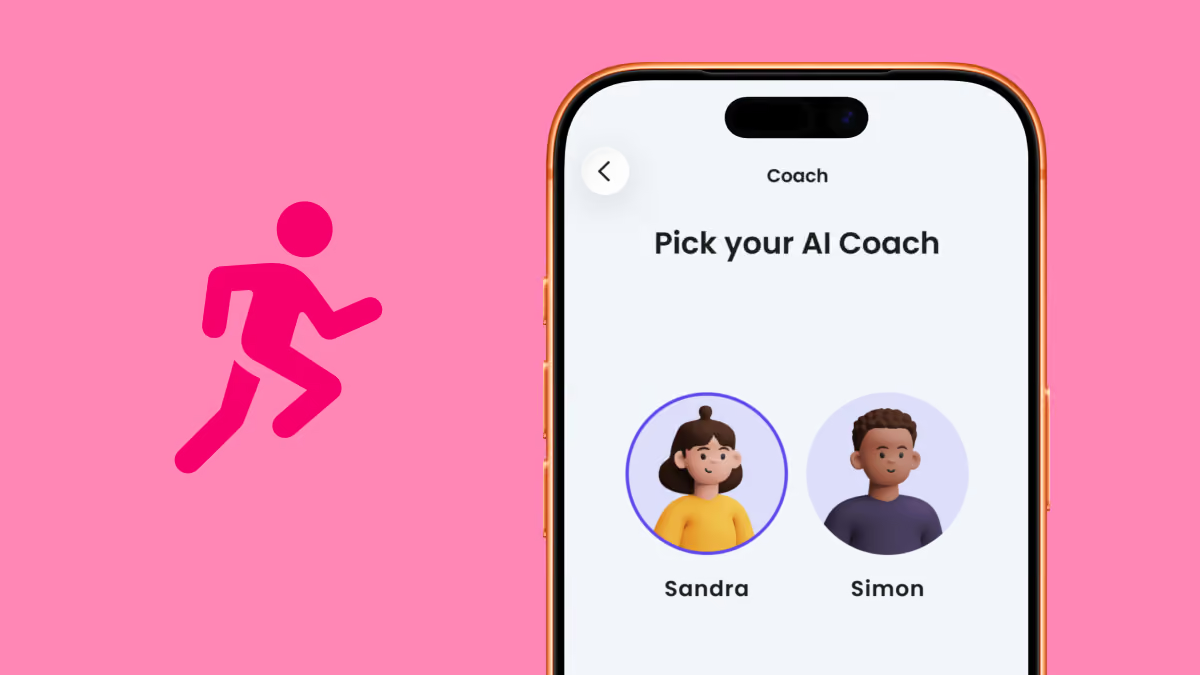
- Select your coach and personality
- Set your step goal
- Choose a package – 1, 6, or 12 months
- Select App Store or Google Play Store as the payment method
- Confirm your payment
- You now have access to Stepler Coach
You will get a receipt for Stepler Coach from App Store or Google Play Store. Forward the email to your employer, or print the receipt and hand it to them.
When you subscribe to Stepler Coach, your subscription is automatically renewed.
- 1 month: Your subscription renews every month
- 6 months: Your subscription renews every 6 months
- 12 months: Your subscription renews every 12 months
You can cancel your subscription whenever you want, if you don't want the subscription to renew.
Purchase with ePassi
- Tap here to purchase Coach on epassi.se
- Choose a package – 1, 6, or 12 months
- Complete your payment in ePassi
- Within 24 hours, you’ll receive an activation link from Stepler via email
- Tap the link on your phone to open the Stepler app and activate your Coach
- Select your coach and personality
- Set your step goal
- You now have access to Stepler Coach
Your employer will automatically get a receipt for your purchase.
When you purchase Stepler Coach via ePassi, your purchase is a one-time payment, not a subscription.